
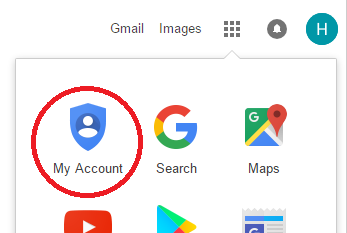
1. Sign in to your Google Account by selecting My Account from the menu in the top right corner of the Google homepage.
2. Under Sign-in & security, select Connected apps & sites
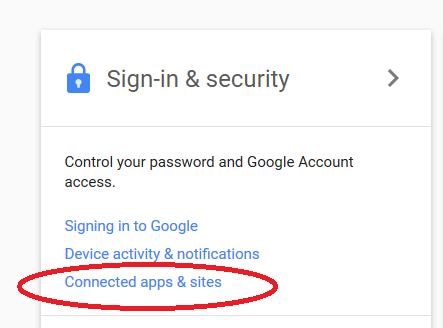
3. Click on Manage Apps
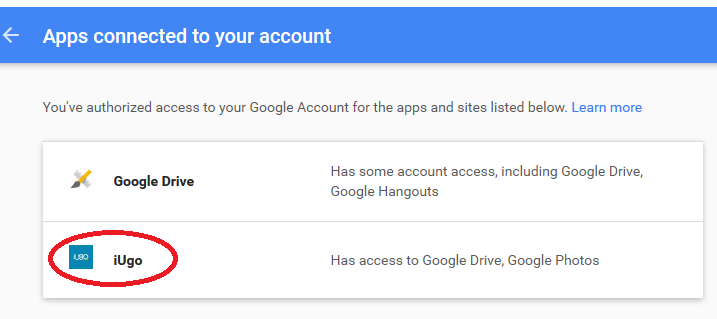
4. Select iUgo
5. Click on Remove iUgo access and then OK
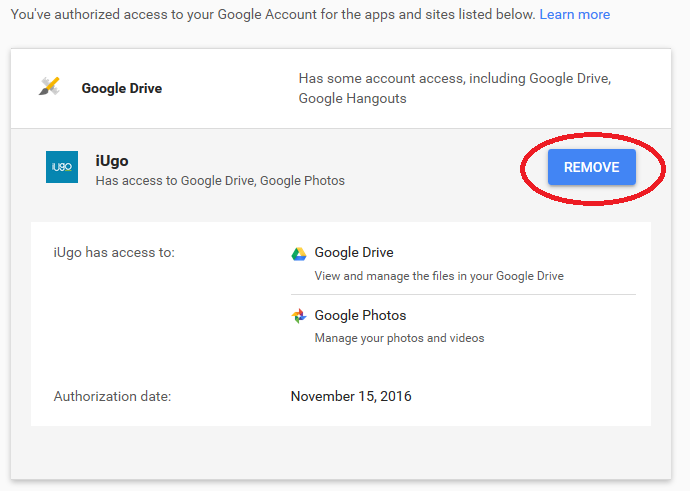
Your Google account is now no longer linked to your iUgo account.