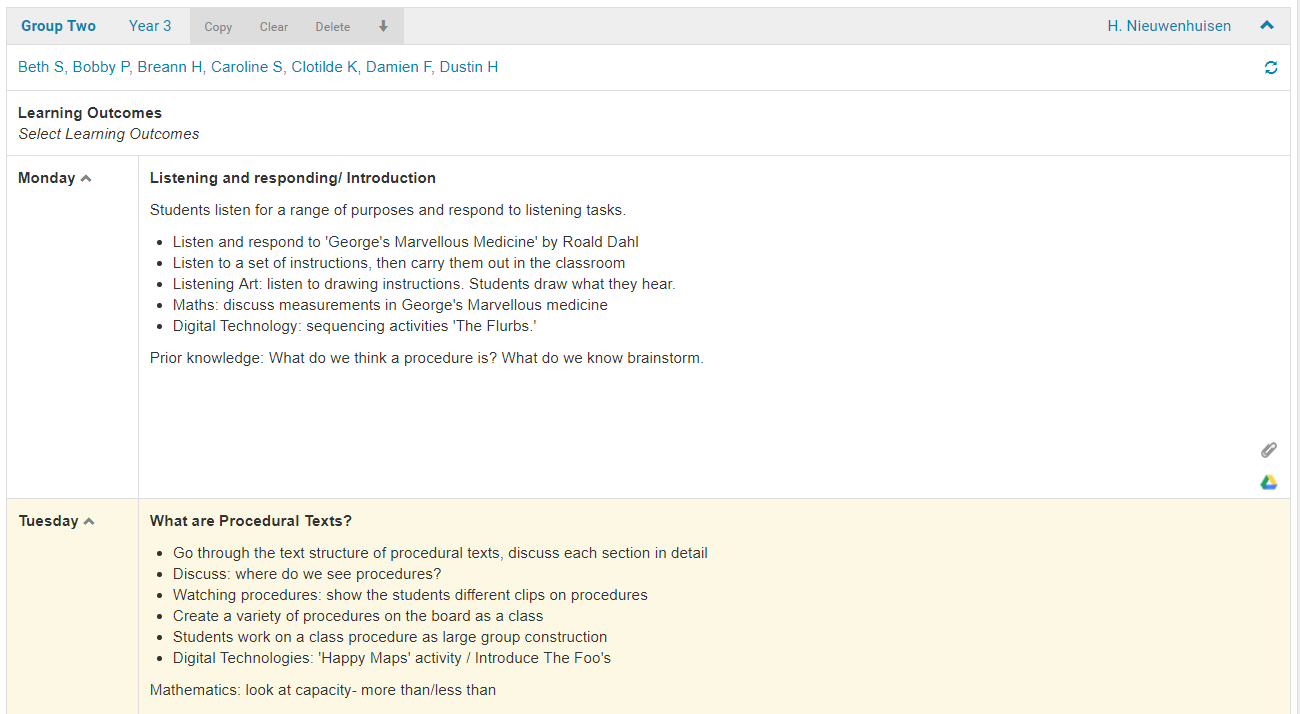
If you would like to alter the view of your weekly lessons from a horizontal view to a vertical view then you may find this useful.
1. Go to Planning>Plans and open your plan.

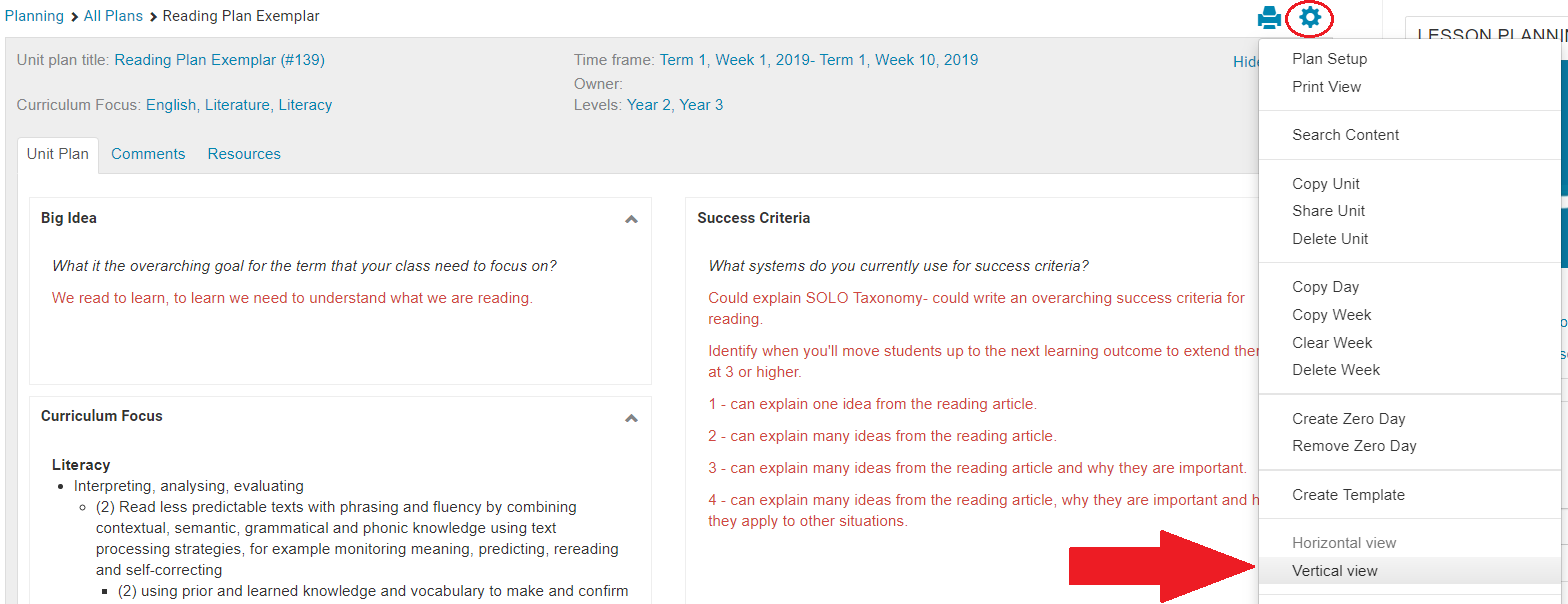
2. Click on the Cog icon at the top of your Plan and select Vertical view from the drop down menu.
5. The Lesson should now appear vertically on your screen.