
- Click Filebox in the darkblue menu at the top of the page and choose whether you want to upload resources to your personal My Filebox or the School Filebox.
- Click Upload
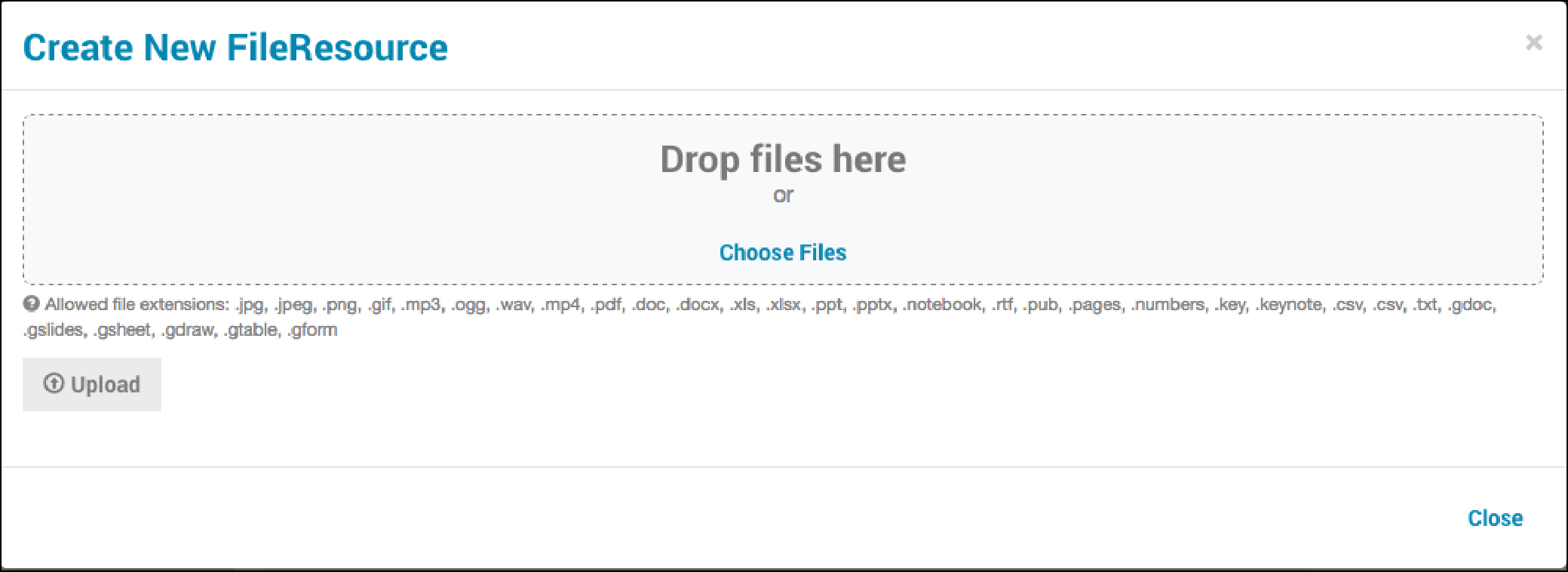
- Click Choose Files and find each resources you wish to upload from your device or network.
- Click Open.
- Enter labels or tags to help you find this resource again in the future by typing in a word or phrase and hitting the TAB keyafter each new label.
- Click Upload. Once your uploads are confirmed, click Close.
How do I add resources to my Filebox? Print
Modified on: Thu, 28 Mar, 2019 at 1:36 PM
Did you find it helpful? Yes No
Send feedbackSorry we couldn't be helpful. Help us improve this article with your feedback.