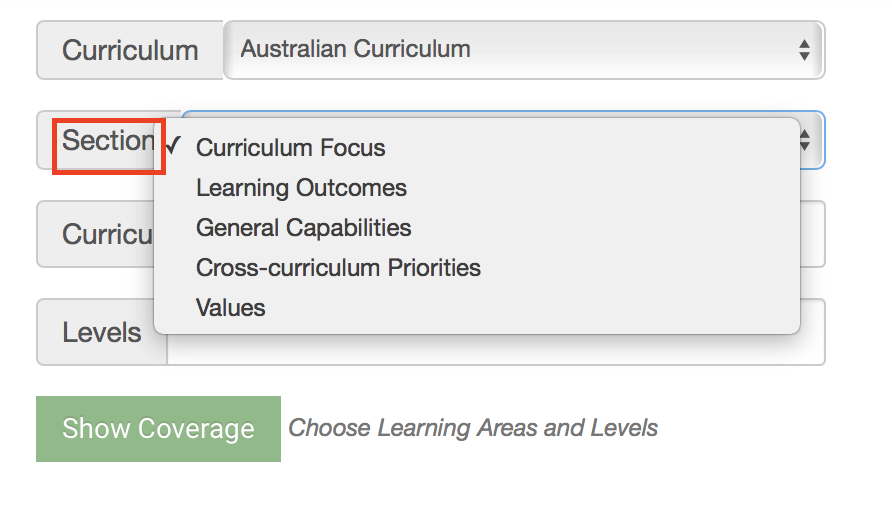
The default setting in iUgo displays Curriculum Focus and General Capabilities in your Curriculum Coverage. You can amend these settings using the following process:
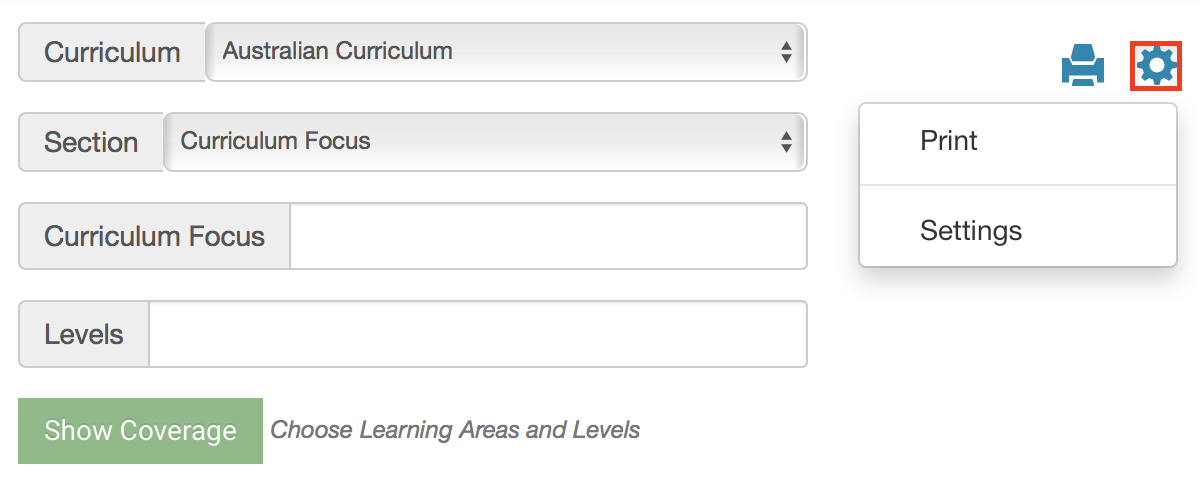
- Click on the Cog icon then select Settings to view the options.
- Click the tick/cross icon to select what to display in the school's curriculum coverage.
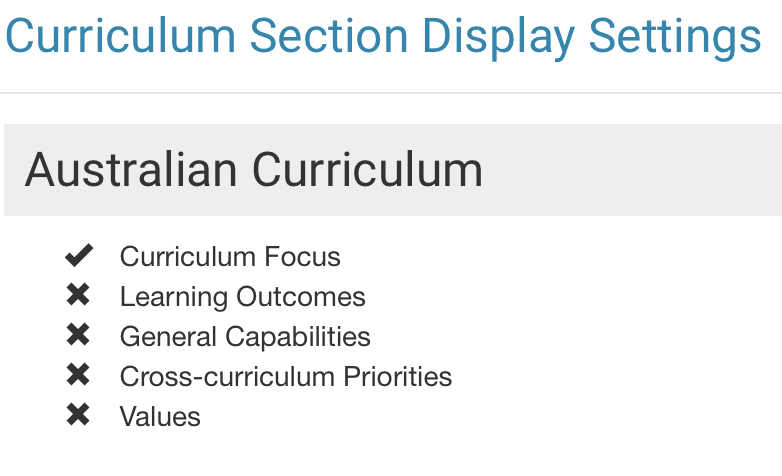
- Selections are saved automatically. After you have ticked all of the areas you would like to review then click the X button or Close.
- You will now be able to choose your selected curriculum areas under the Section filter of the curriculum coverage tool.