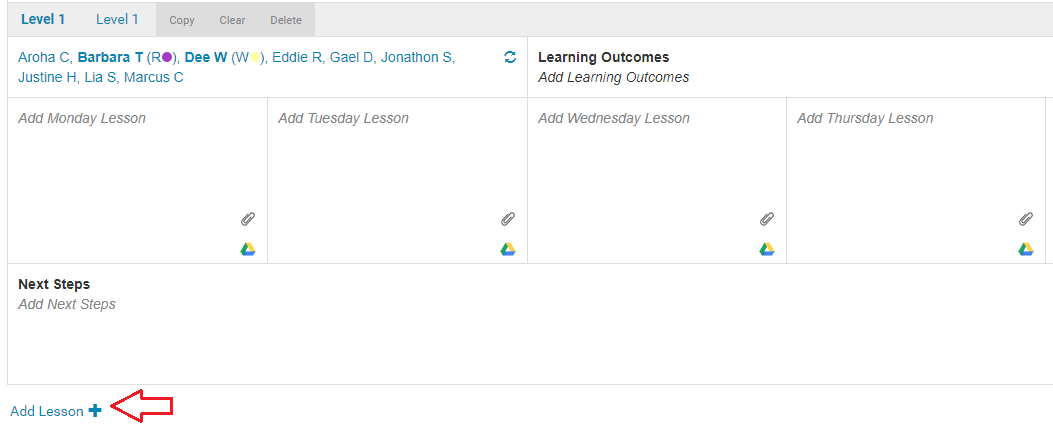
1. To create a new lesson within a week click
Add Lesson.
2. Select who the Lesson is for, either your class or a group. If it is a group click the
'+' to open the
Group Type (Reading), then select your
Group and their
Level.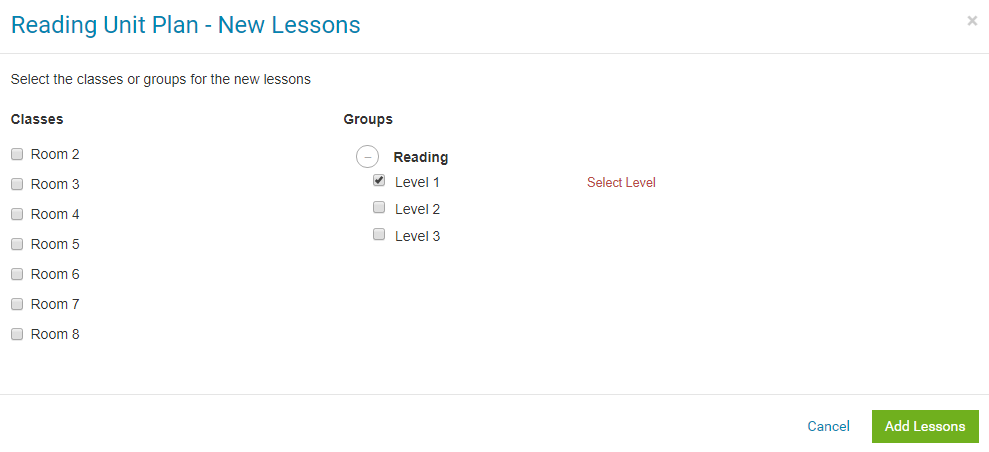
3. If you have selected Reading as a learning area in your
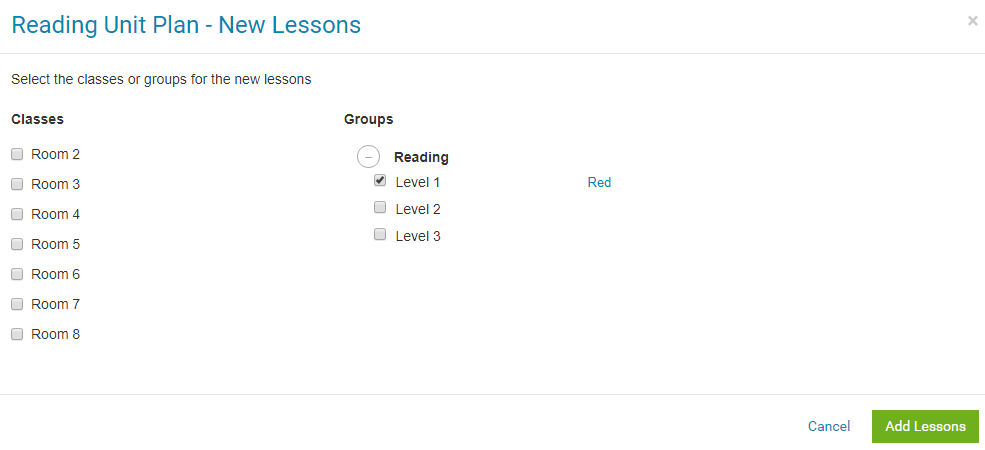
Plan setup you will have the choice to select either Level, PM Levels, Colour Wheel or Reading Age. In the example below we have selected Colour Wheel - Red.
Click
Save.
4. Tick the boxes for your other groups or classes if you wish to create a new lesson for each of them. When you are finished click
Add Lessons.
Adding multiple lessons within a week
