To create new classes:
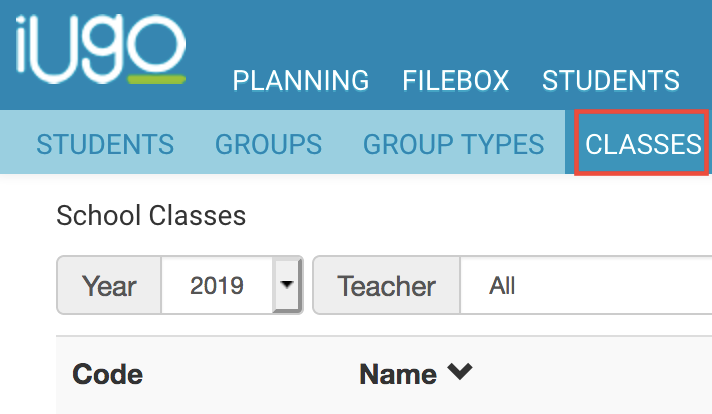
- Click into Students>Classes from the menu bar at the top of the page.
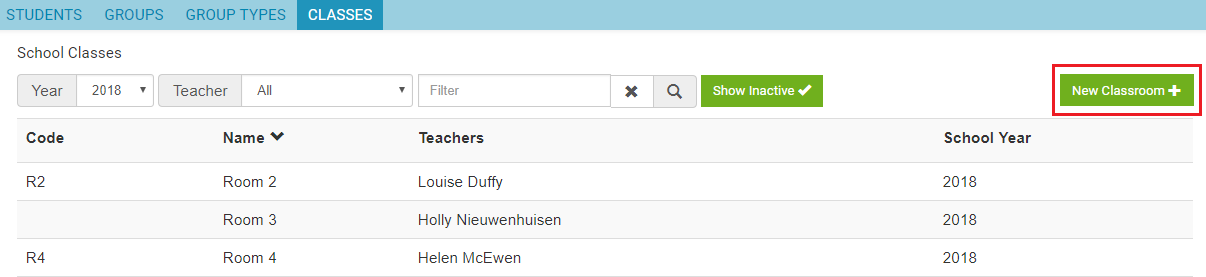
- Click on New Classroom.
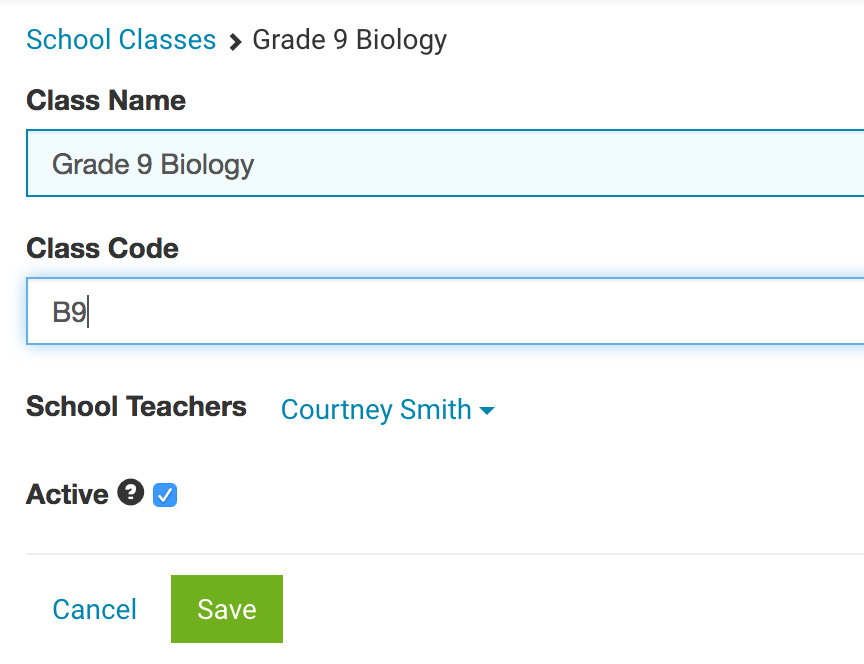
- Add Class Name.
- Add Class Code (optional).
- Select the teacher/s for the class.
- Tick Active.
- Click Save.

Modified on: Mon, 1 Apr, 2019 at 3:24 PM
To create new classes:
Did you find it helpful? Yes No
Send feedback